Lab Environment
Introduction
In this section, we will begin to setup our UCCE/PCCE environment to start onboarding the components to your AppDynamics Controller.
AppDynamics Controller
As a certified partner, you should have your NFR controllers to use. We will be using your NFR controller to monitor the UCCE/PCCE environment.
| If you don’t have a NFR controller, please contact your Channel SE. |
|---|
UCCE/PCCE environment
We will be using a UCCE/PCCE environment setup on dCloud, which have all functions operational. Below are the instructions on using the dCloud Lab:
- Navigate to https://dcloud.cisco.com/
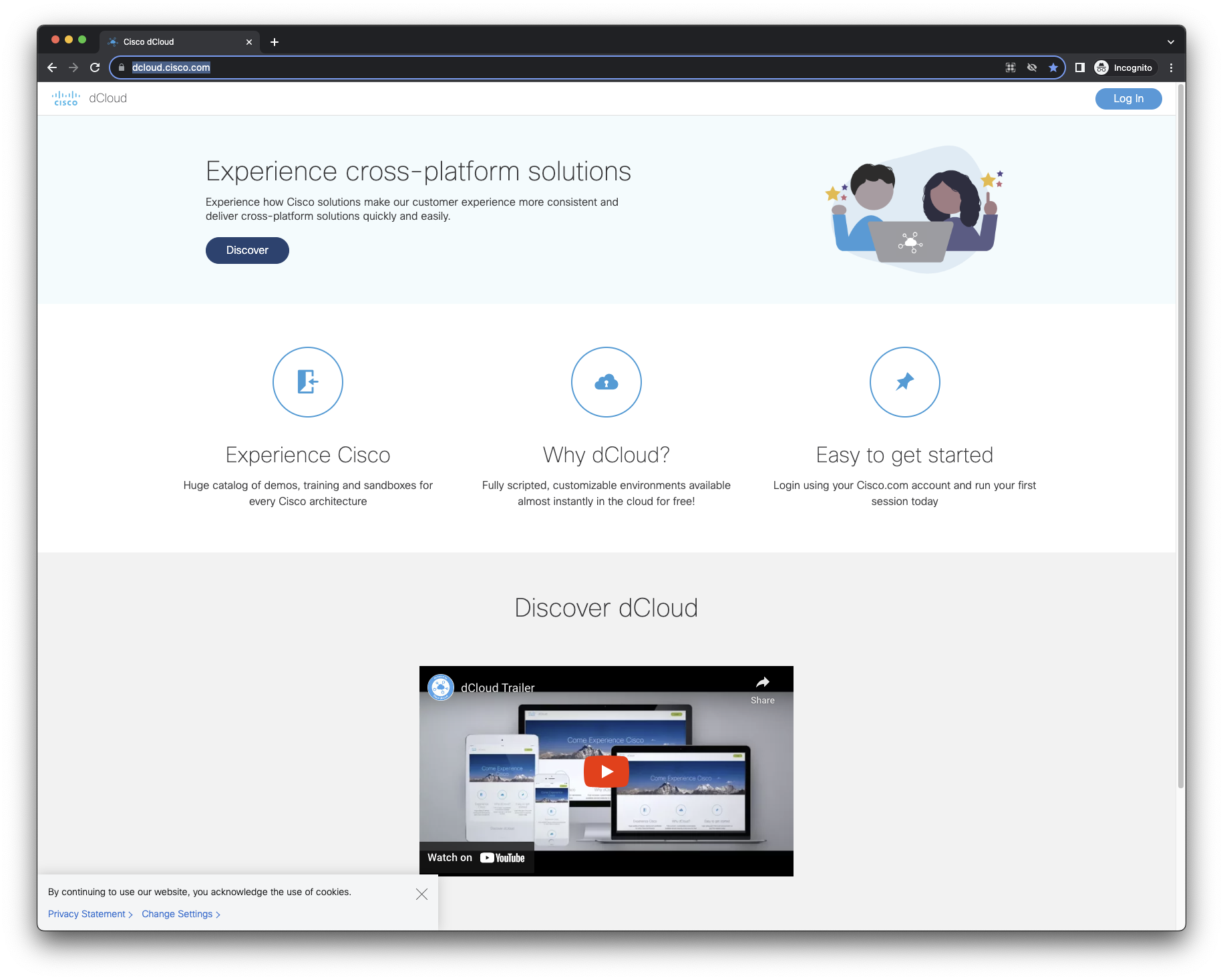
- Login into dCloud using your credentials
| If you don’t have a login, please contact your Channel SE. |
|---|
Once logged in, navigate to Catalog
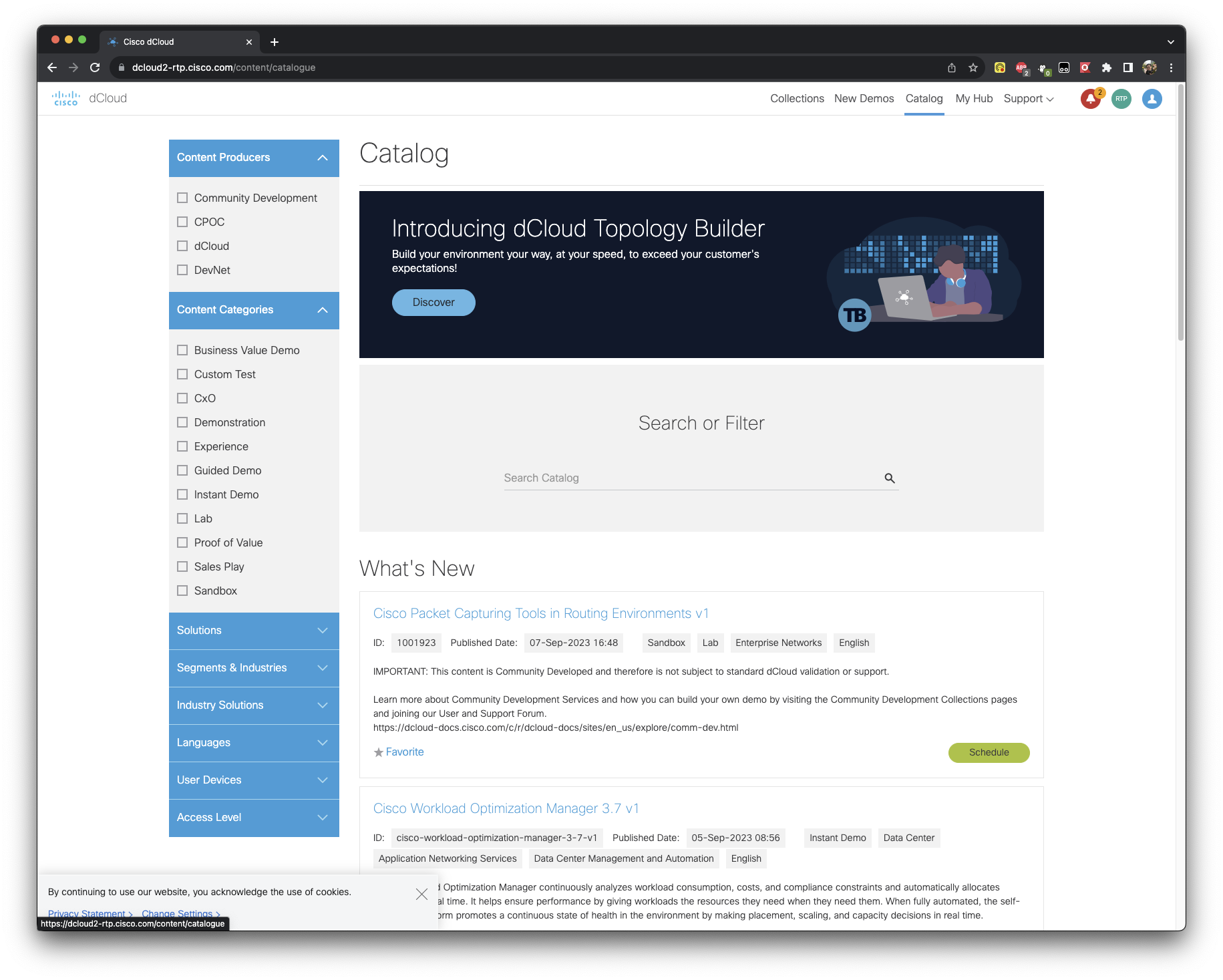
In the Catalog, search for PCCE
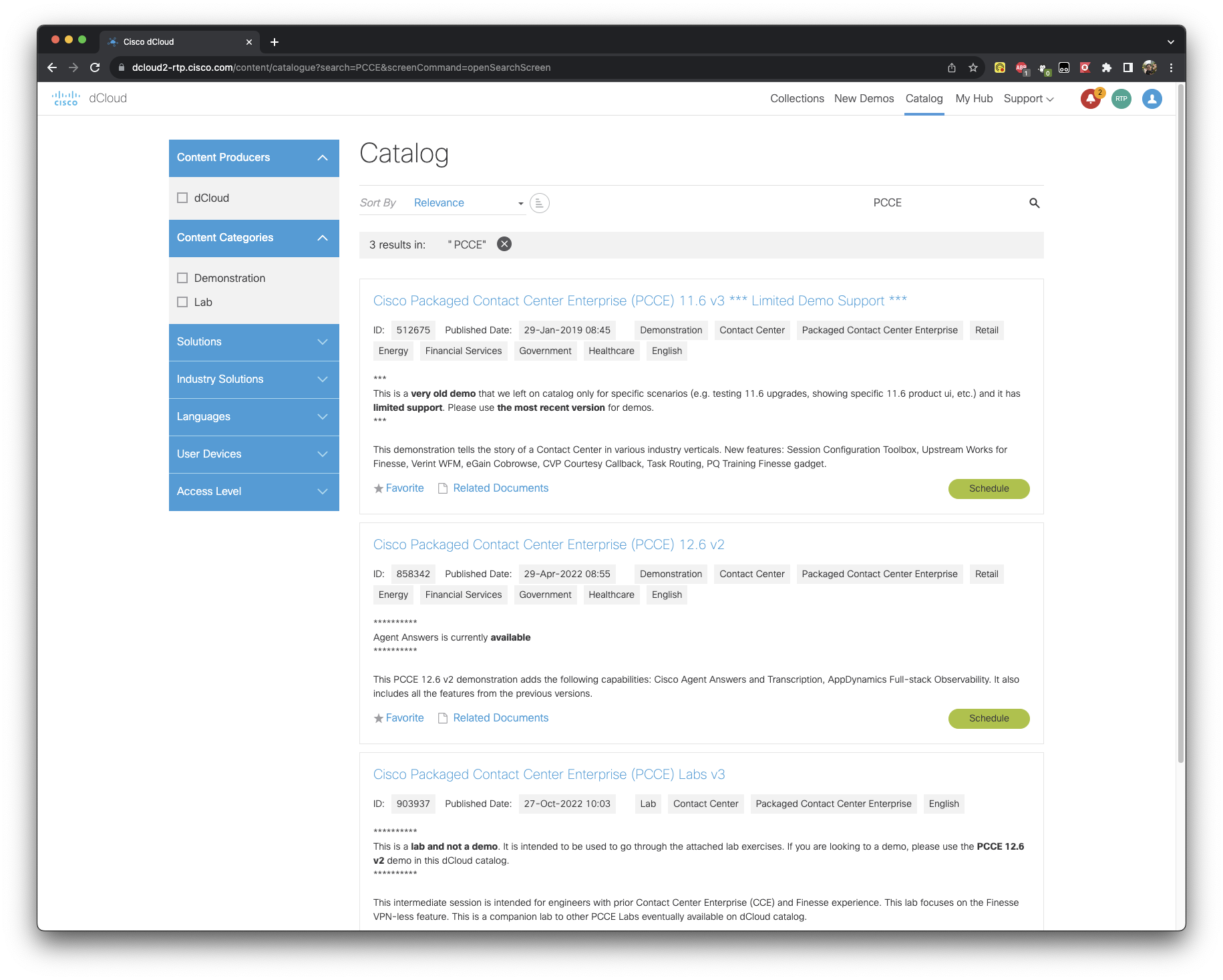
We will be using Cisco Packaged Contact Center Enterprise (PCCE) Labs v3.
For Cisco Packaged Contact Center Enterprise (PCCE) Labs v3, please hit schedule to make the resources available to you. When asked to schedule a Single Session or an Event, please select “Single Session”. You can always extend the session, if necessary.
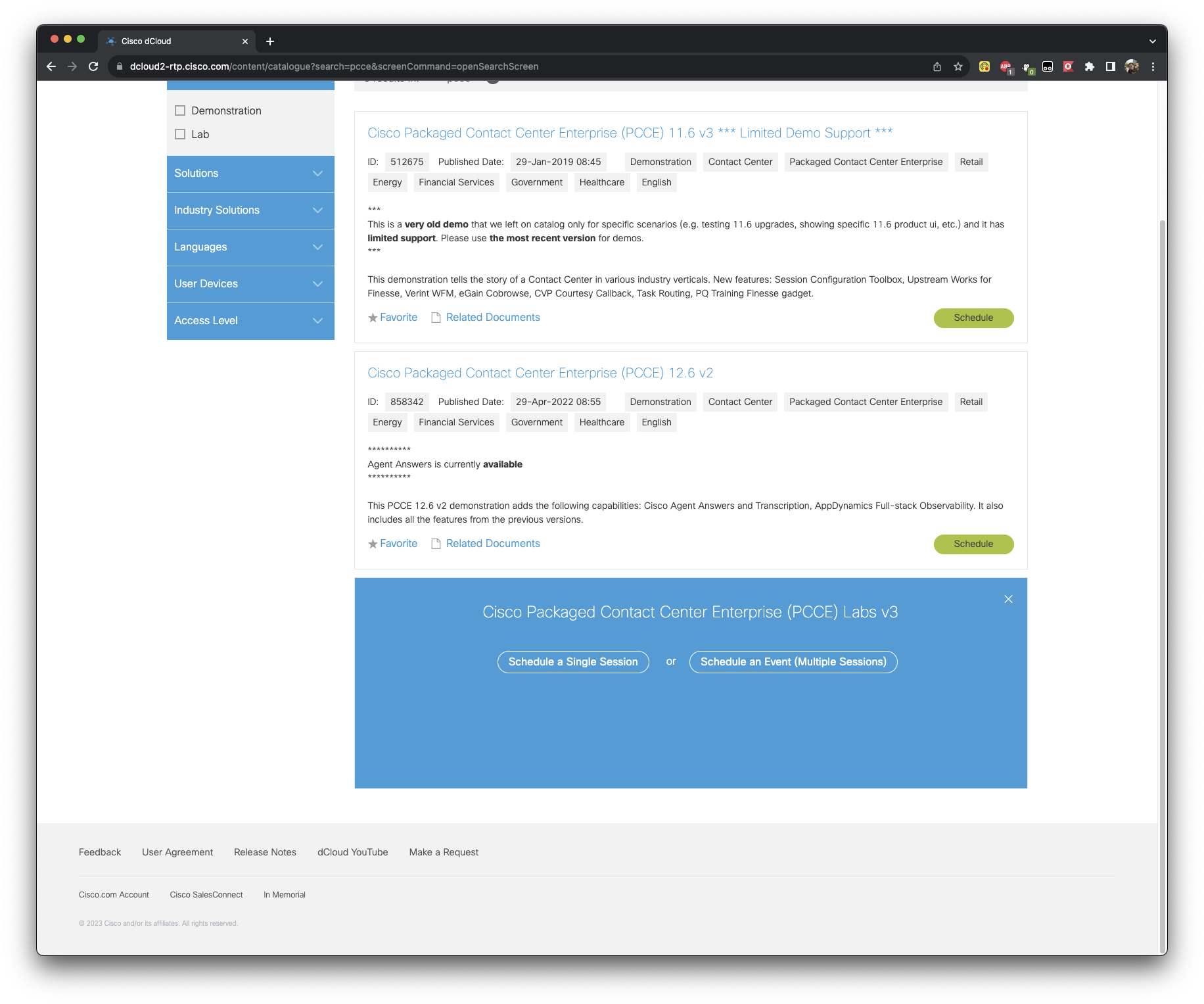
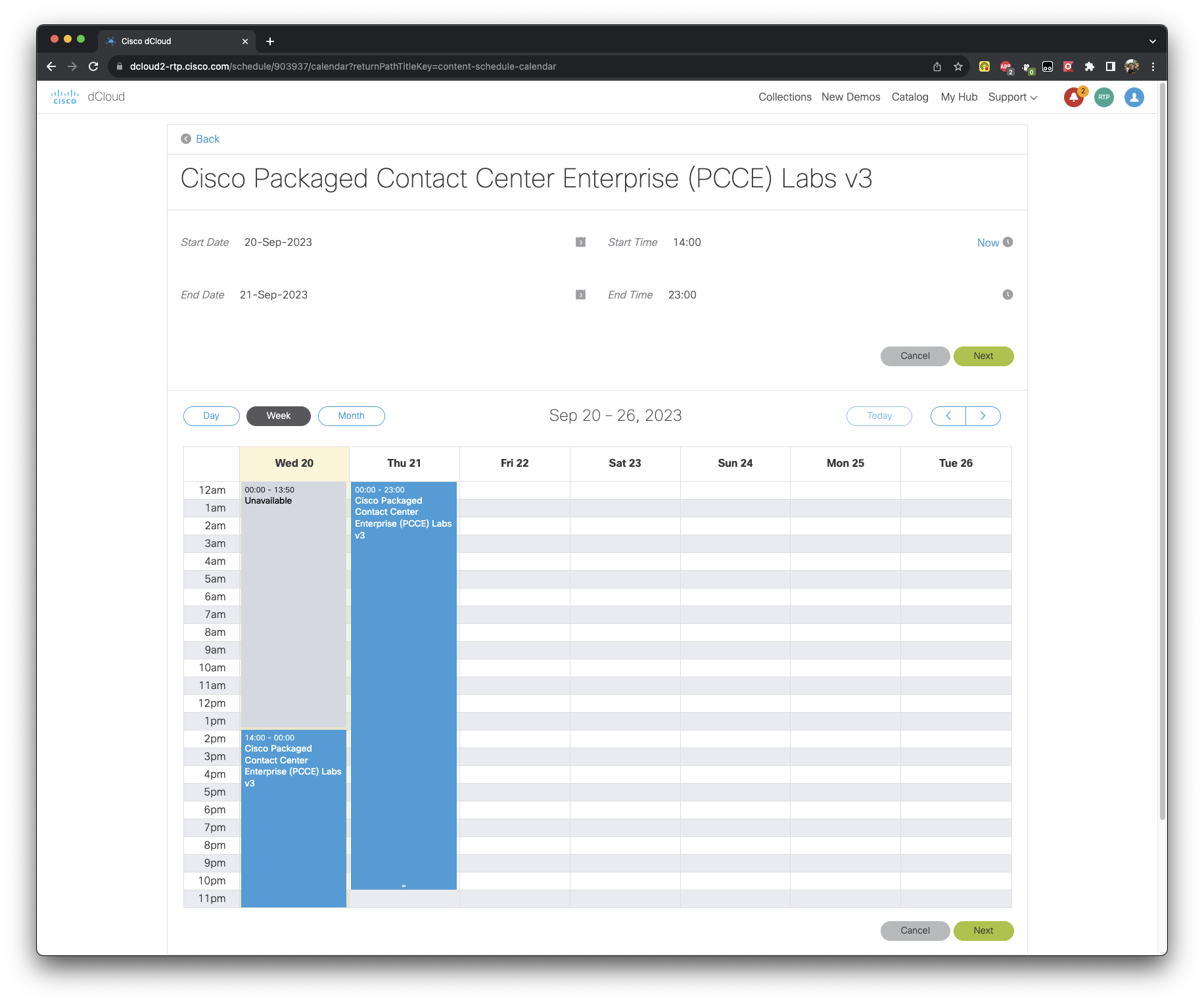
When scheduling a Single Session, configure the Start Date/Time and the End Date/Time for the session.
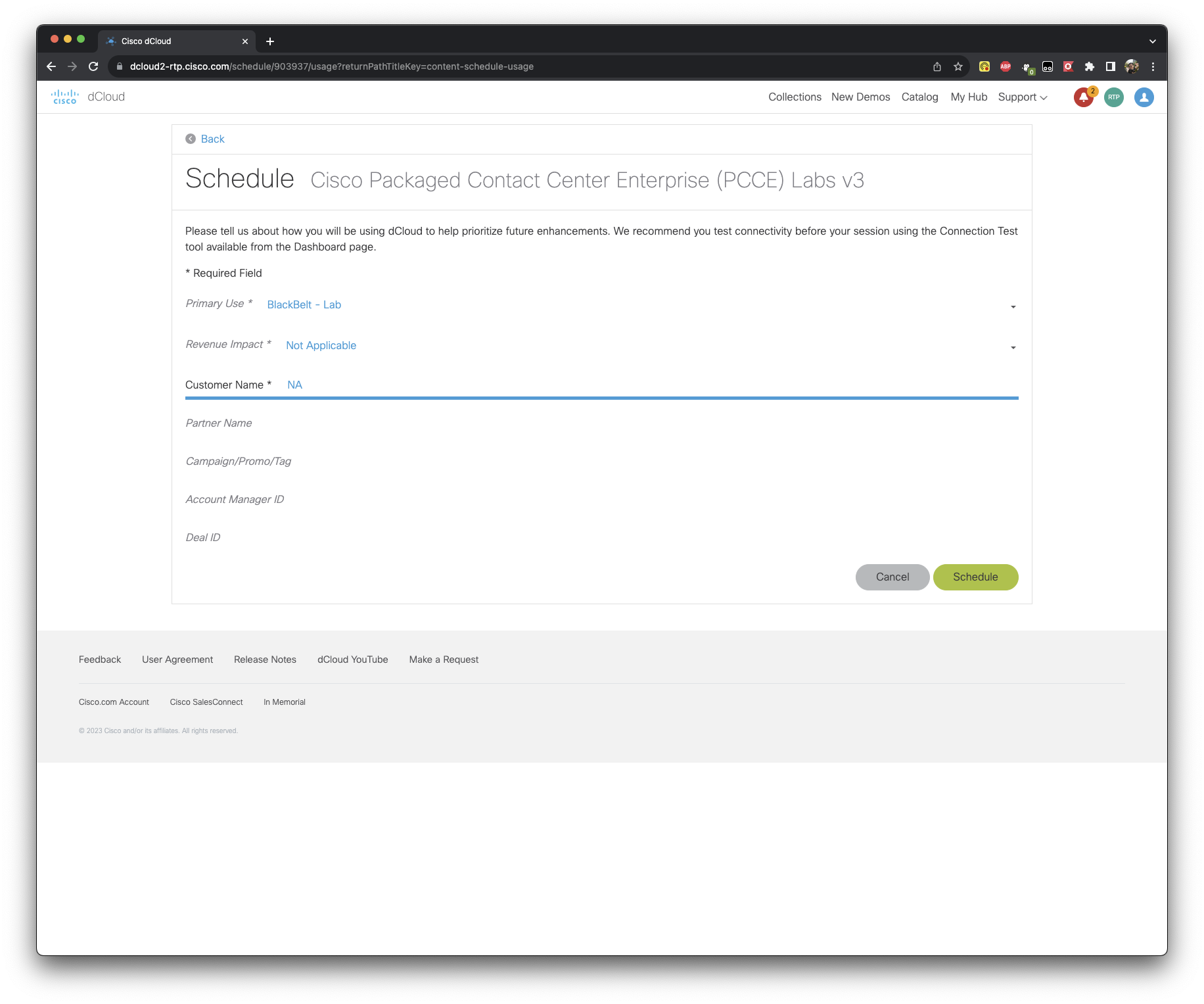
In the next section, where it asks you the Primary Use, put in the following details, as seen in the screenshot below.
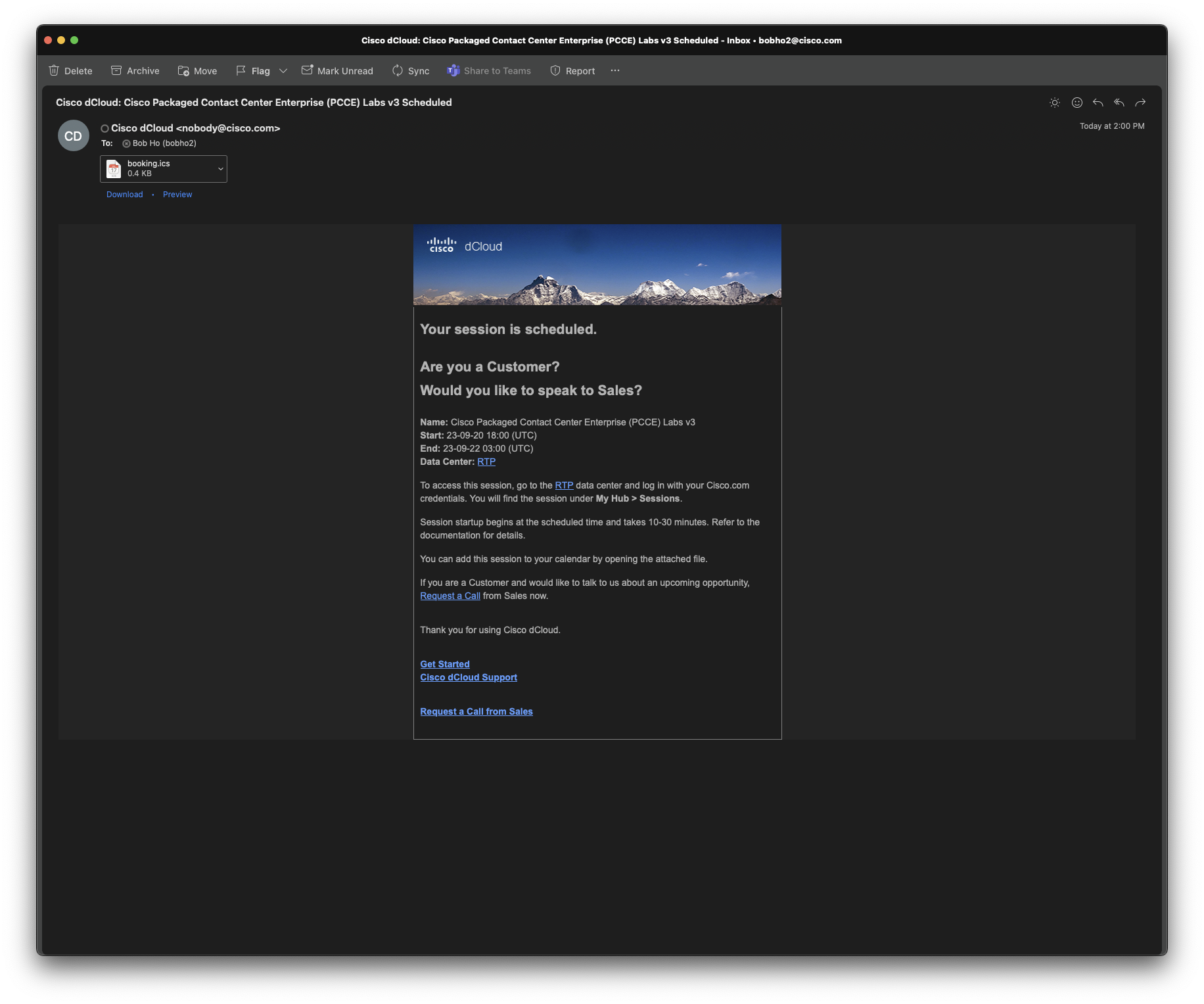
Once you schedule the session, wait for an email letting you know that the Environment is scheduled. Please wait some time and the environment would be ready for you to access.
| It may take up to 45 minutes, for the environment to be ready. |
|---|
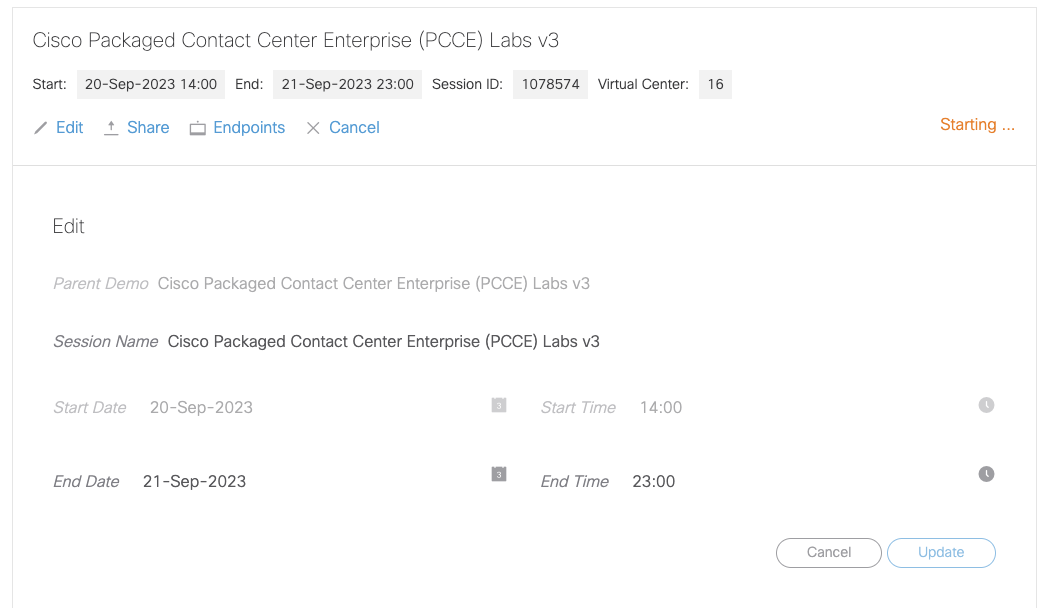
- If you want to extend your session, just edit the instance and hit update.
Your Environment is now ready. Please move on to the next section.