AppDynamics Configurations
Introduction
In this section, we will be going over the AppDynamics Configurations we currently have, as templates for you to use. These configurations are recommended to see specific transactions during the call phase, along with data collectors and some JMX rules to capture additional metrics.
Template Configurations
Please download the latest configurations from https://github.com/bobho2/UCCE-Configs
Starting up Config Exporter
In order to import the configurations, we would require you to use the Config Exporter to move the configurations. In order to run Config Exporter, please use Java 8. Anything above Java 8 won’t start the config exporter.
Please run the command below to start up the Config Exporter:
java -jar /path/to/config-exporter-<version>.warOnce you run the command, give it a minute to start up, then navigate to https://localhost:8282/ to load the Config Exporter.
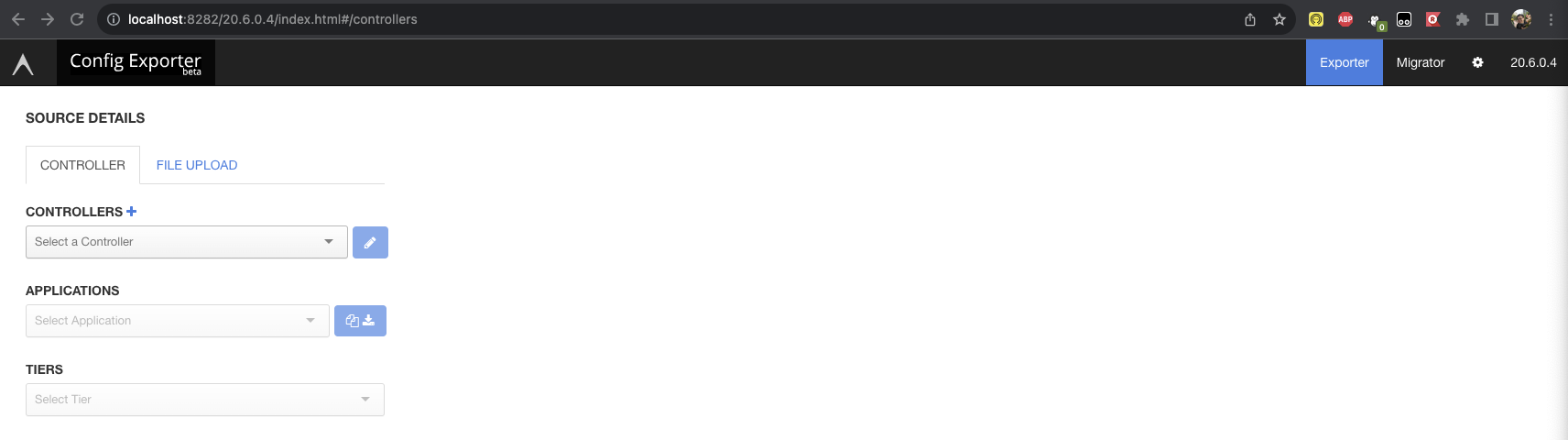
Once it is running, please make sure you add your controller before starting. Click the + sign next to Controllers.
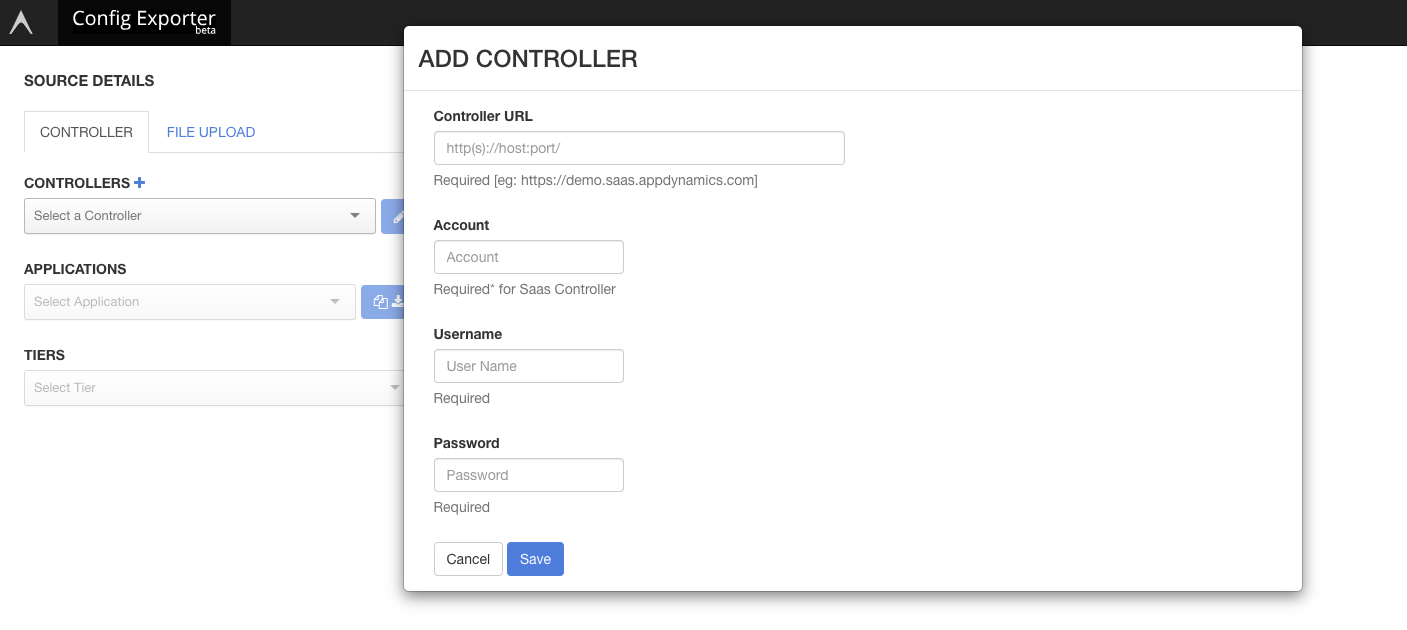
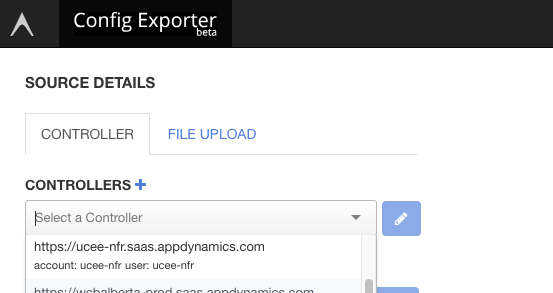
Enter in the information and hit save. Once saved, you should be able to select your controller.
Moving Configurations to Your Controller
Inside the Config Exporter, you will then move the configurations over to your controller. In the Source Details, make sure you upload the file to then move to your Controller.
Below are the instructions to move the configurations:
Click on File Upload under Source Details
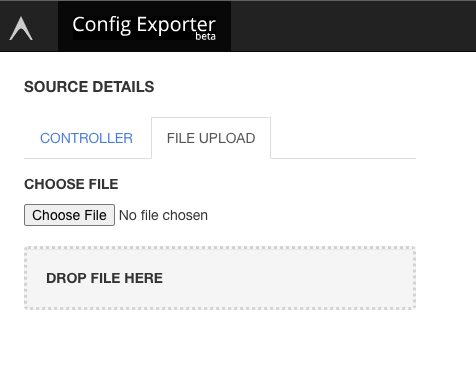
Upload one of the configuration. You will need to repeat this step for each configuration.
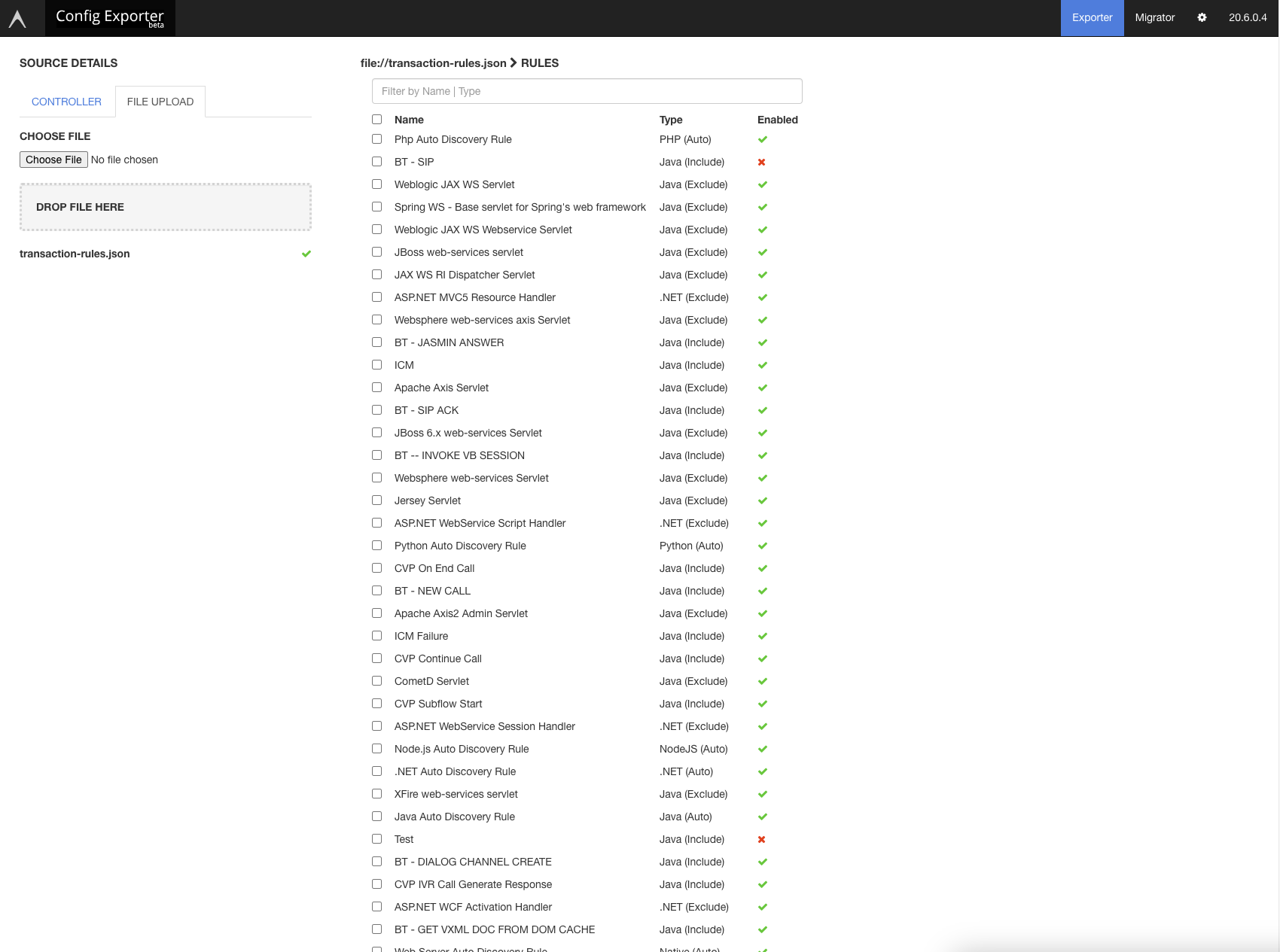
Select everything and hit Next
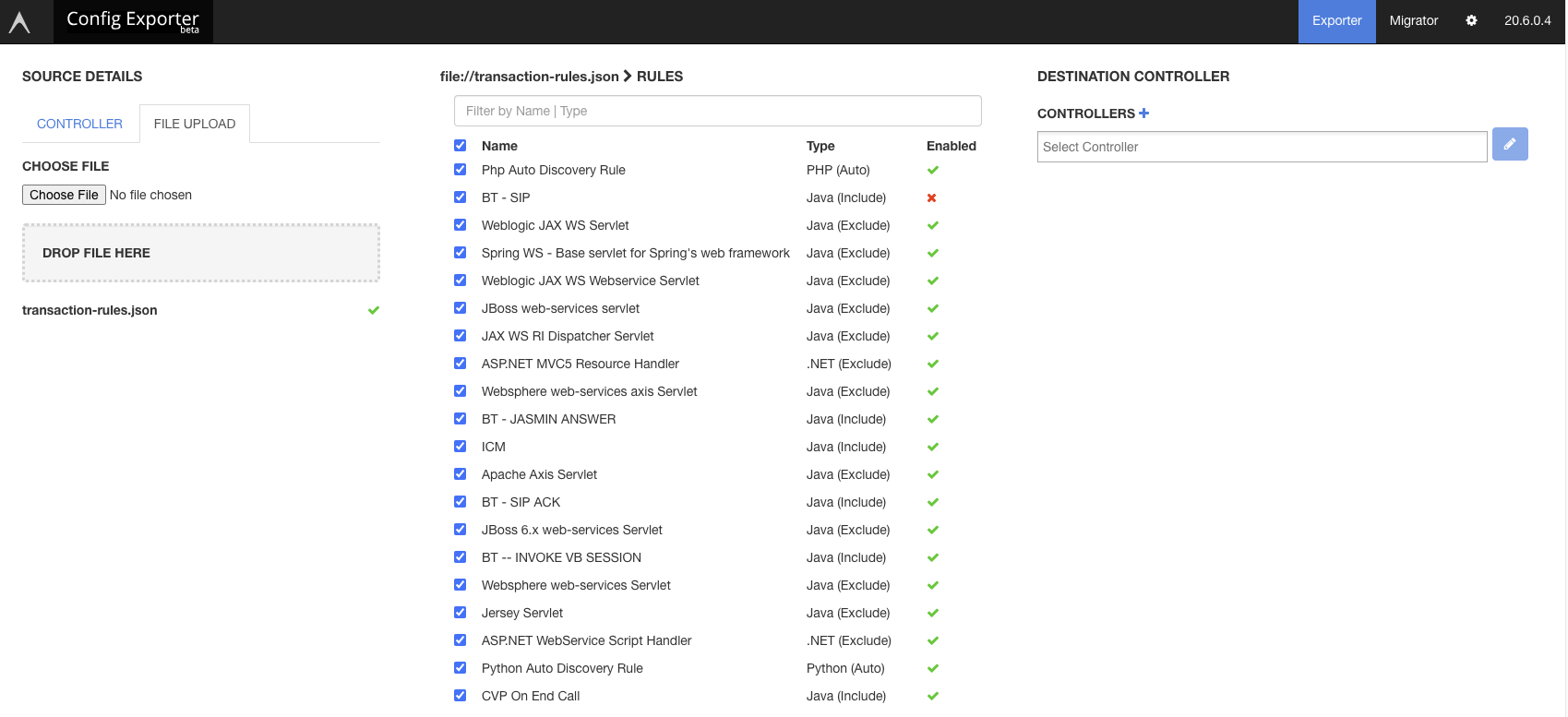
In the Destination Controller, select your Controller and the Application you want to move the configurations to
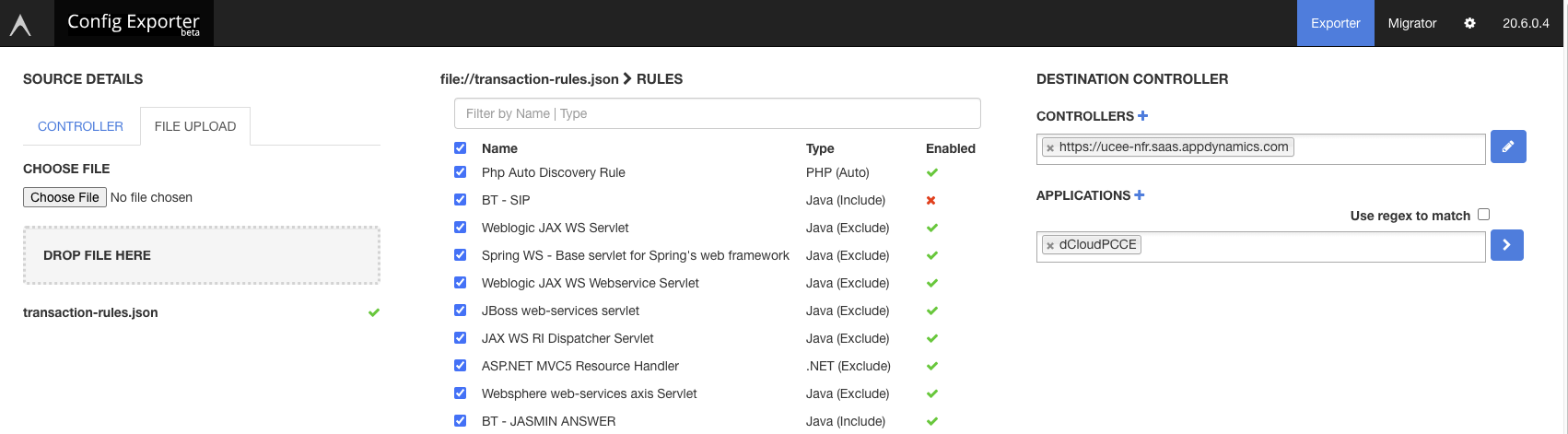
Hit the > button to confirm the import process
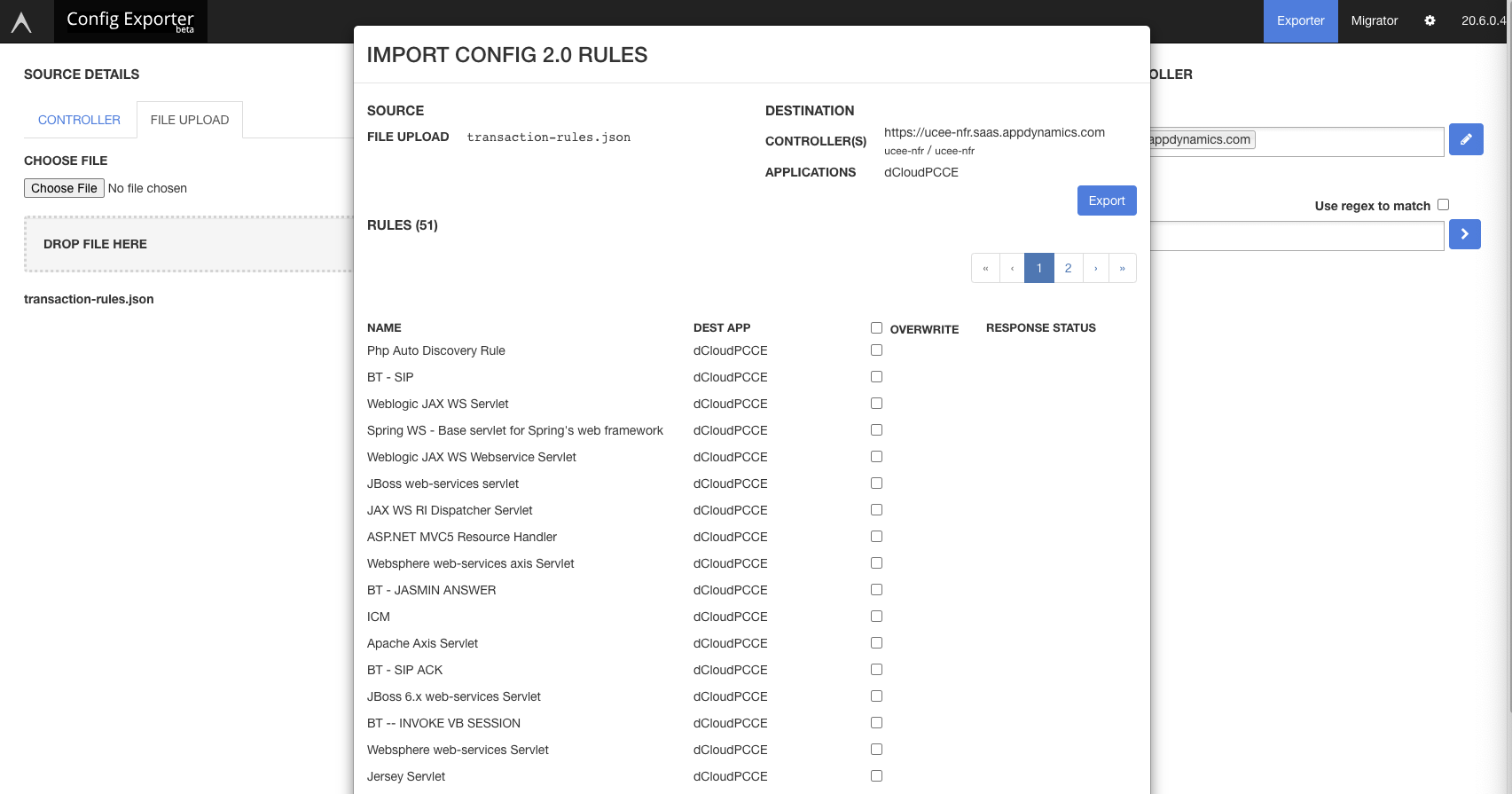
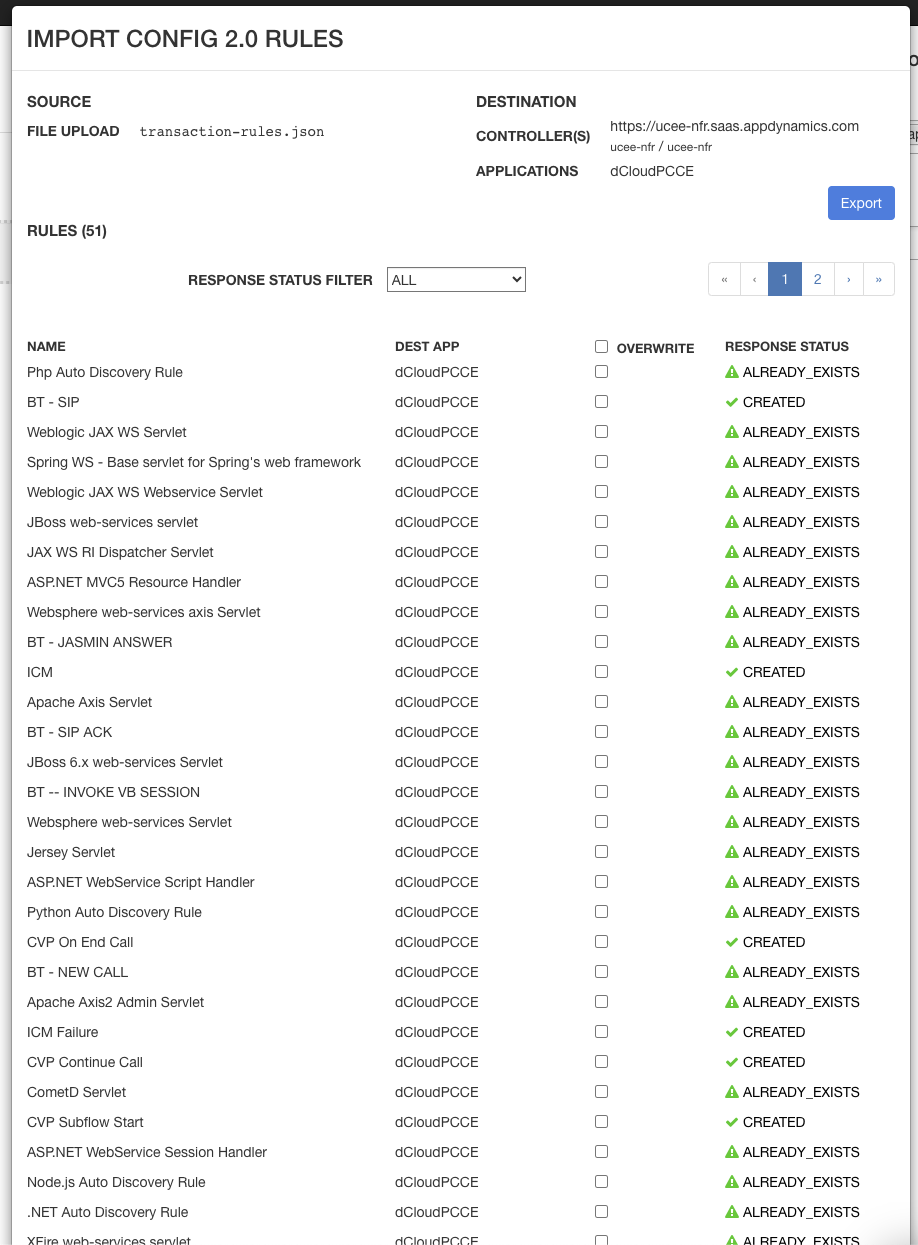
Feel free to Overwrite, if you want to Overwrite your configurations, then hit Export to complete the process