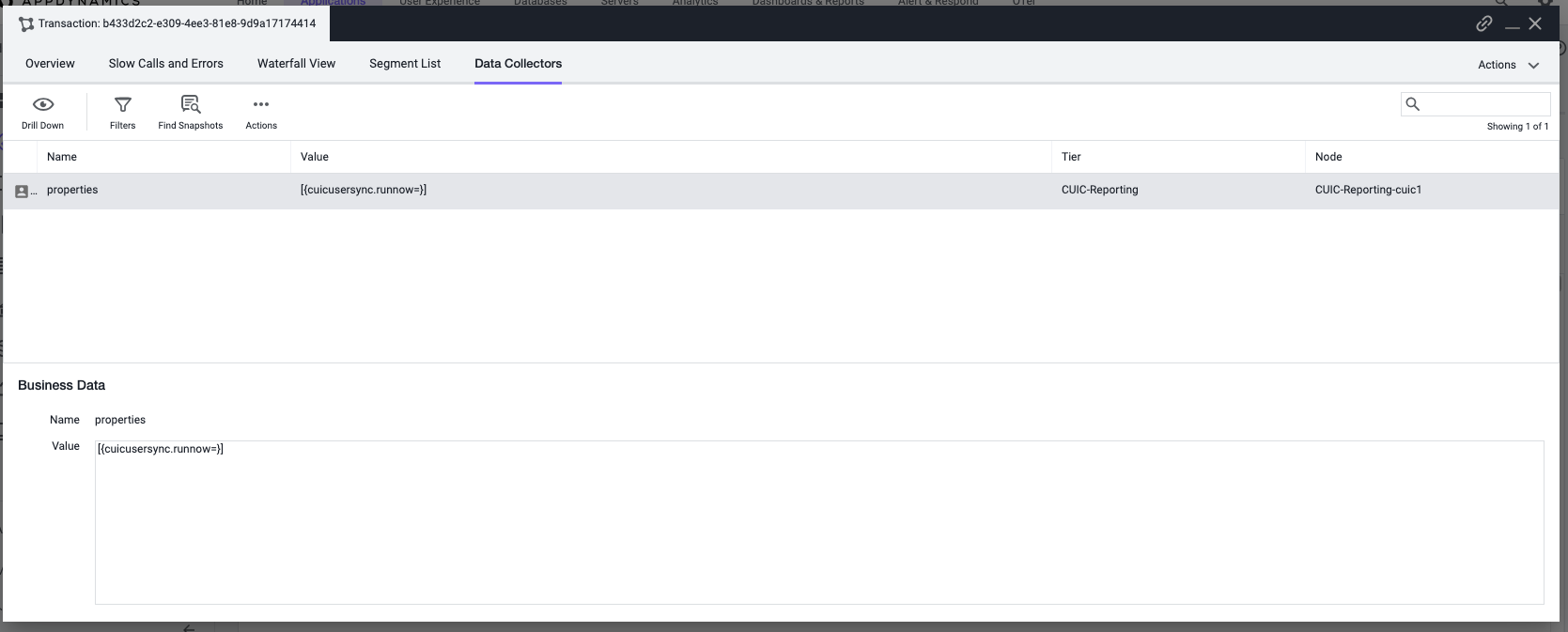
Data Collectors
Introduction
In this section, we will be exploring how to define data collectors, even though UCCE/PCCE is a closed system and there’s limited support from Developers to help us define Data Collectors. In order to accomplish this, we will be doing pretty much the same thing from before, by using Live Discovery.
Precaution
When using Live Discovery, please make sure you do this on a Sandbox environment. This is because using Live Discovery will require more overhead and we don’t want to keep using it to the point of the JVM crashing. In the case of a sandbox environment not being available, please use at your own risk. If the customer have 2+ nodes, then at least they have some fallback options. Just keep that in mind.
Using Live Discovery
In order to understand what data is processed in the Class/Method, we’ll have to use Live Discovery to identify it. Before starting to look into the Method Invocation for Data Collectors, makes sure you have the Class/Method set up as a POJO Rule. Once you have setup the POJO rule, then you can follow the steps below to start previewing the data set and creating your Data Collector.
Define the POJO Transaction rule from either knowing the Class/Method, or from your current Live Discovery Session
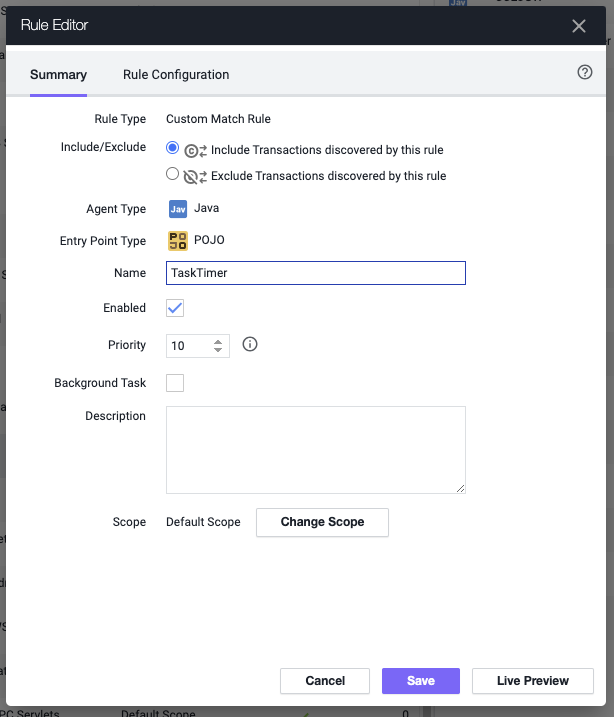
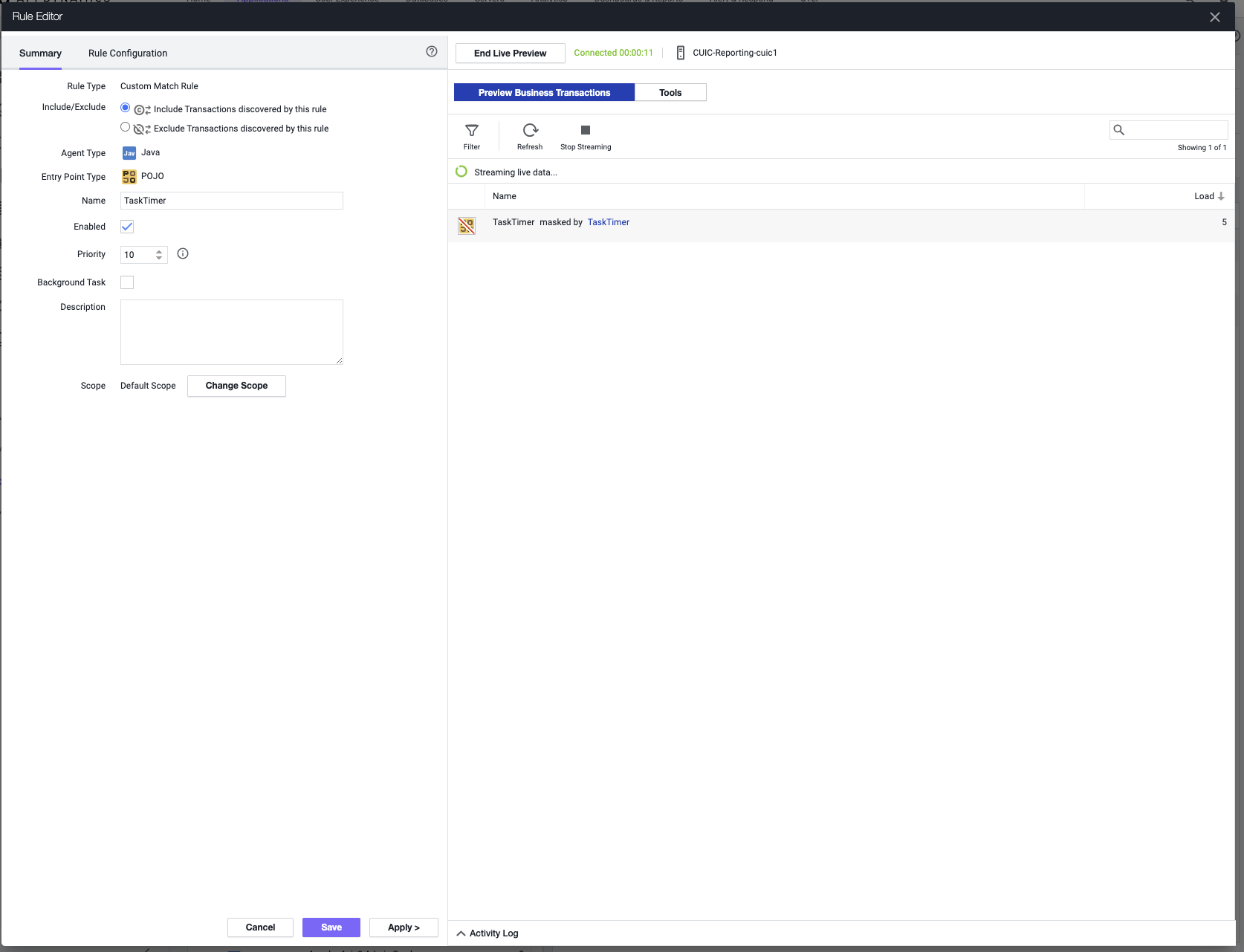
Hit on Live Preview to start the Live Preview session on this transaction rule
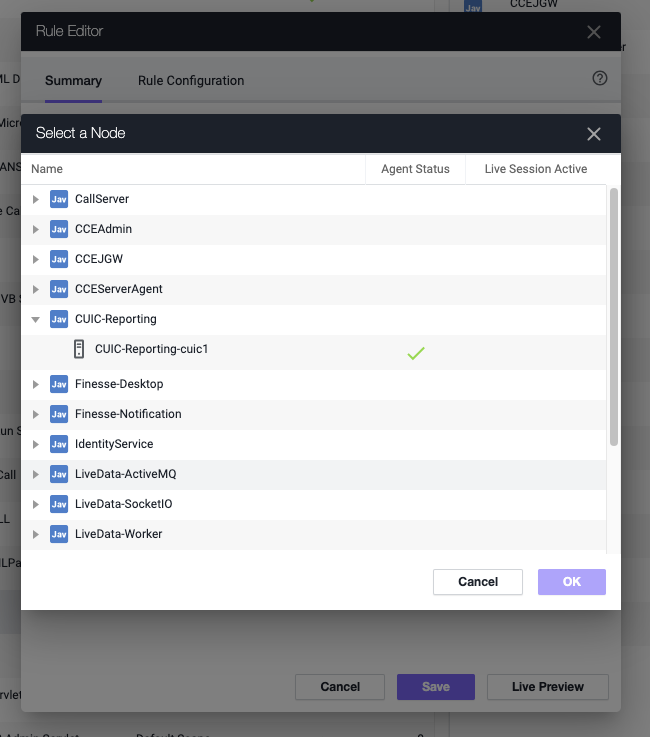
If you don’t have an active Live Discovery Session, you’ll have to select the node to start the Live Discovery Session on. Make sure you select the node the Transaction originates from.
In the Live Discovery Session, click on Tools
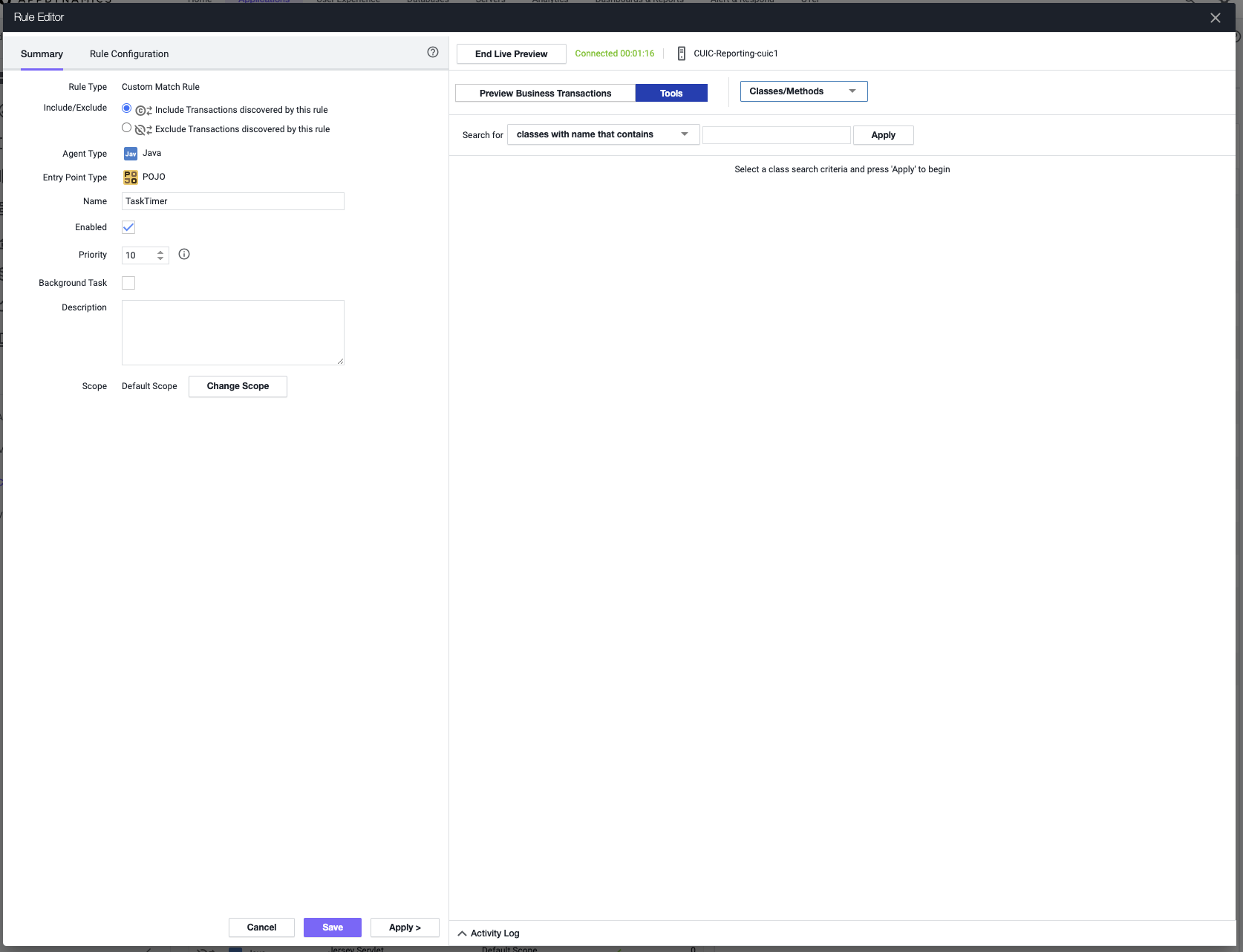
It will take you to view Classes/Methods, instead you want to change it to Method Invocations. Give it a few seconds to start showing Method Invocation. Please make sure you have load through the system.
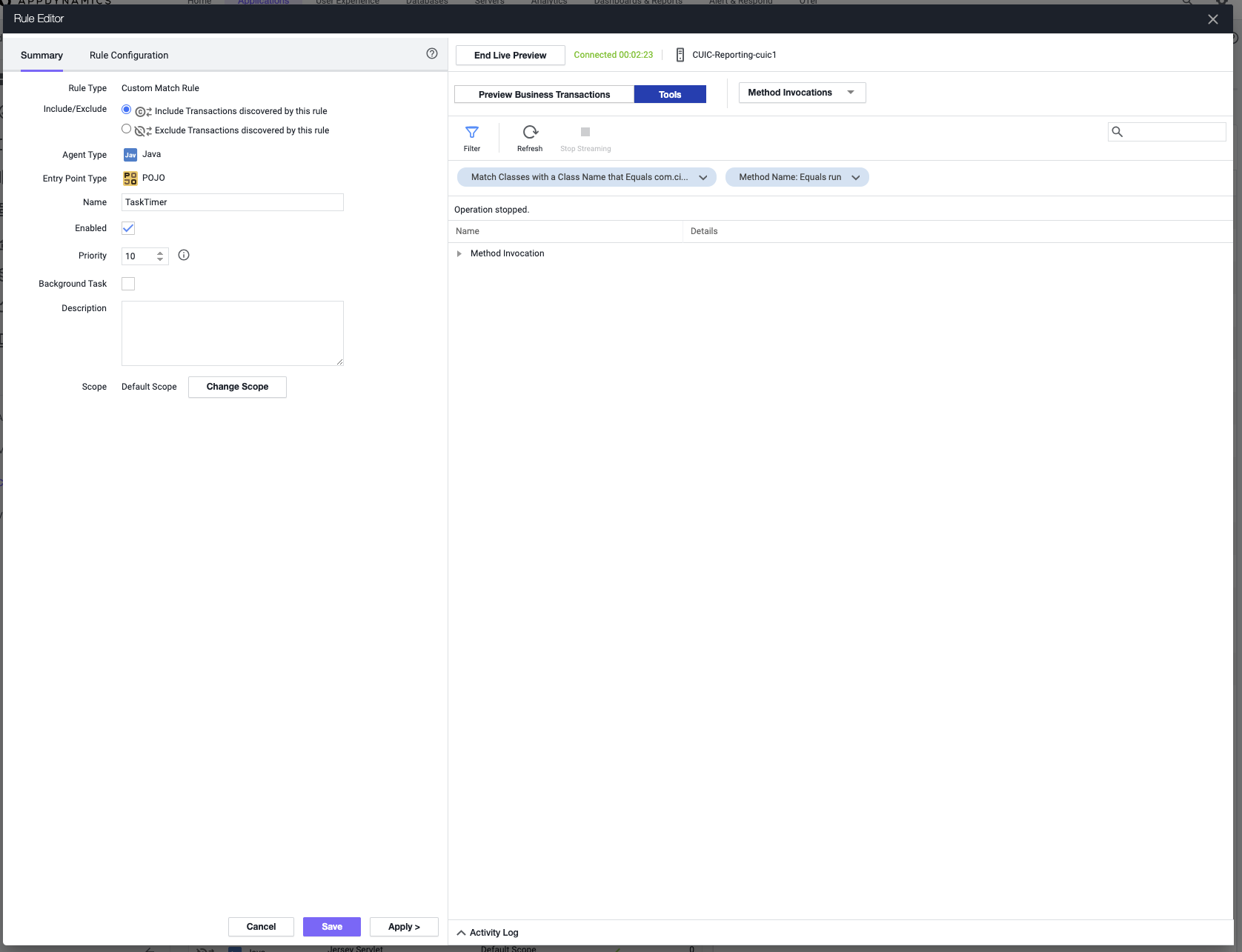
Expand Method Invocation and any sections under it. You will start seeing all the different sets of data you can expose.
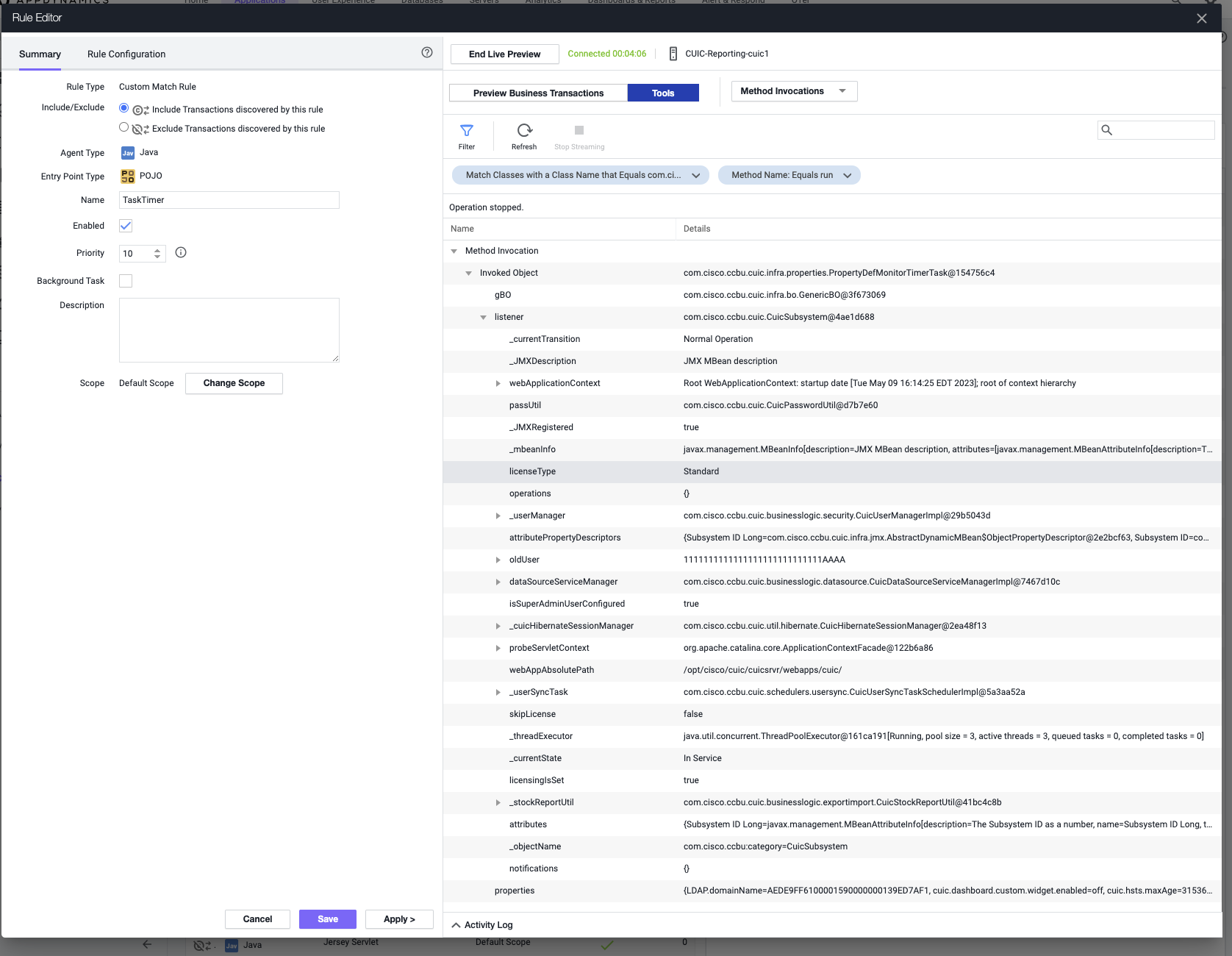
For some properties, you might see a class. In that scenario, you can use Live Discovery to search for the particular class, to see if you can create some getter chain to extract the data. But for the ones, where you see the data you want, feel free to use the name, which will be needed to extract that data.

Once you have the data you want, create the Data Collector. Close out of Live Discovery and discard all the changes, because we were only defining POJO rules to start looking into Method Invocations. Then create the Data Collector with the Class and Method Name
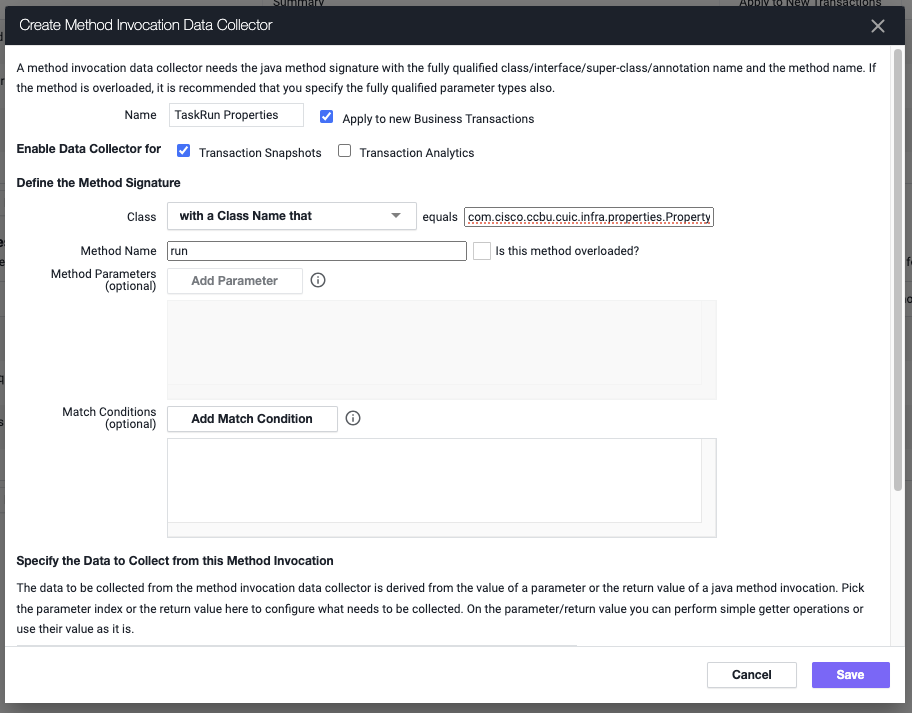
Once we put the Class and Method, add the information you need to extract the data. Since the Live Discovery said it was an Invoked Object, select that and put in name from the Live Discovery session. Add in toString(), as part of the getter chain, just to convert the data to a string.
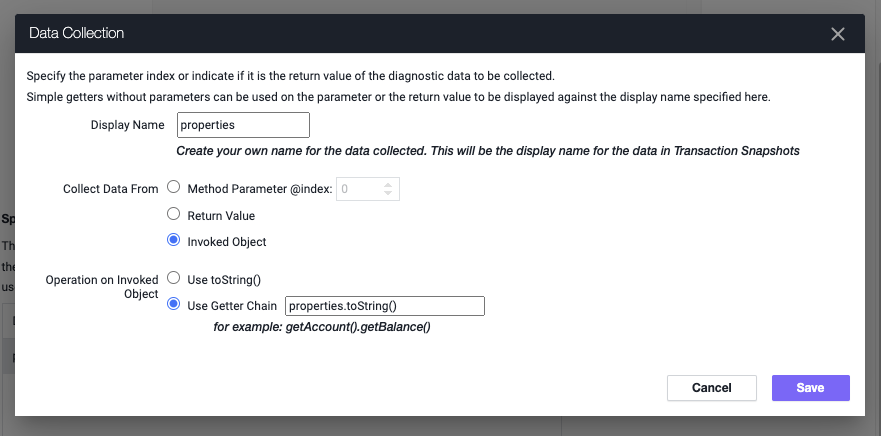
Save the Data Collector, apply it to the related transactions and wait.
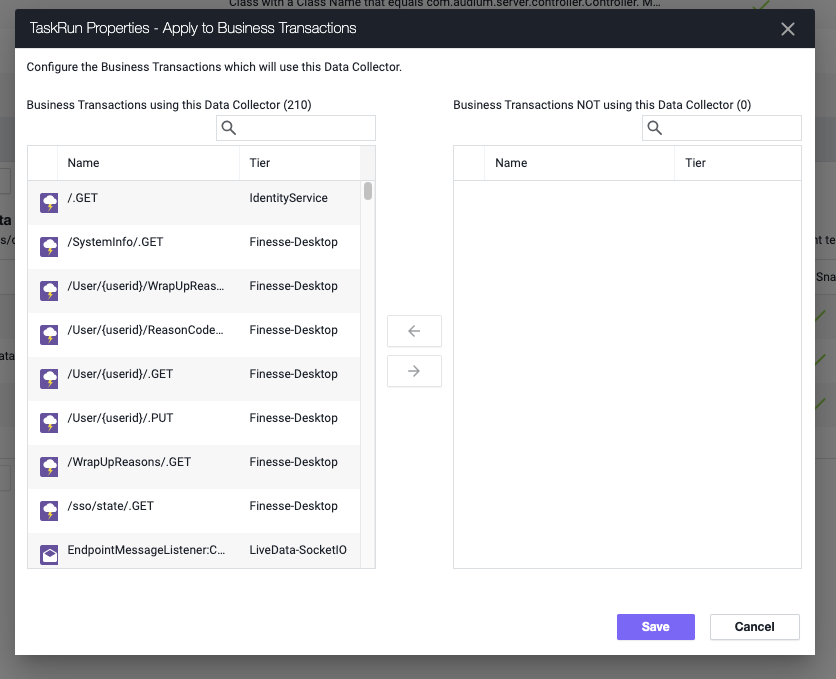
View your Snapshot or Analytics data and you should see the data.