Enabling AppDynamics
Introduction
In this section, we will be using the Lab Environment to enable AppDynamics to report into your NFR Controller.
Enablement Content
We will be using Capture the Flag’s content to Enable AppDynamics in the Lab Environment. Capture the Flag contains the instructions to enable AppDynamics and contains questions, which will quiz you on the commands needed to onboard AppDynamics.
| Please contact your Channel SE for the Capture the Flag link. |
|---|
How to Use Capture the Flag
Please read the sections below to understand how to use Capture the Flag. Capture The Flag is located https://play-collab.ciscoctf.io/.
Registration
If this is your first time using Capture the Flag, please register to create an account.
In the Capture the Flag page, navigate to Login
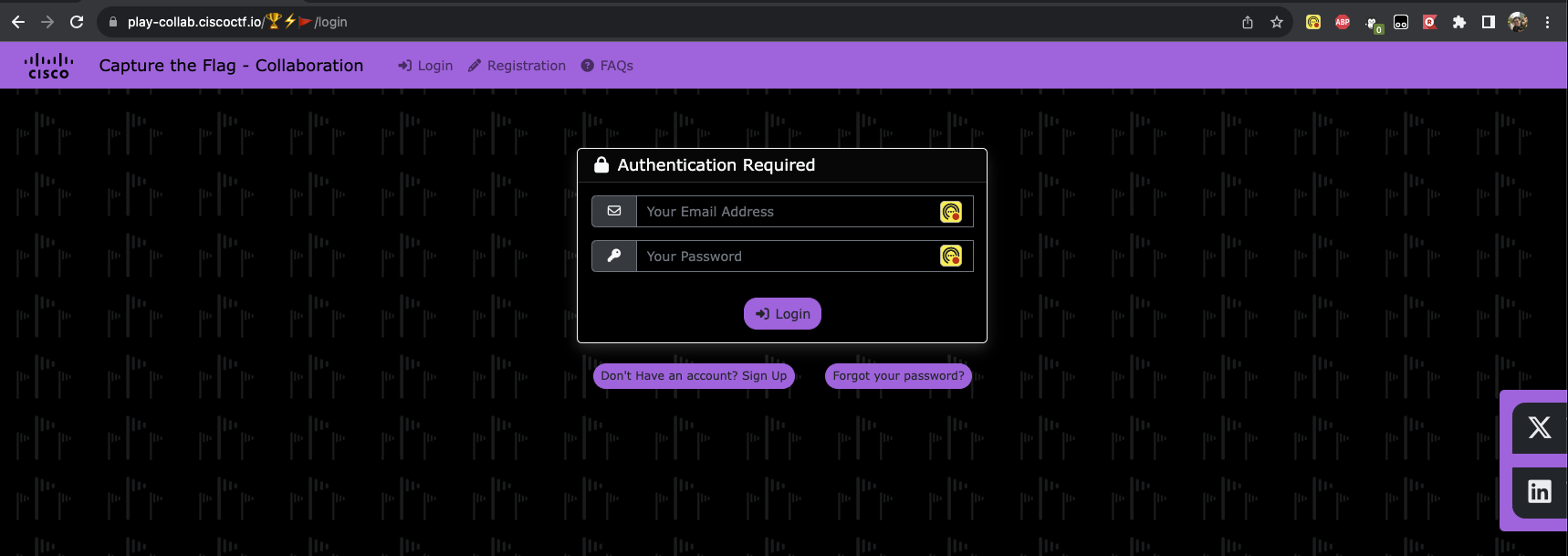
Click on “Don’t Have an account? Sign Up” to register
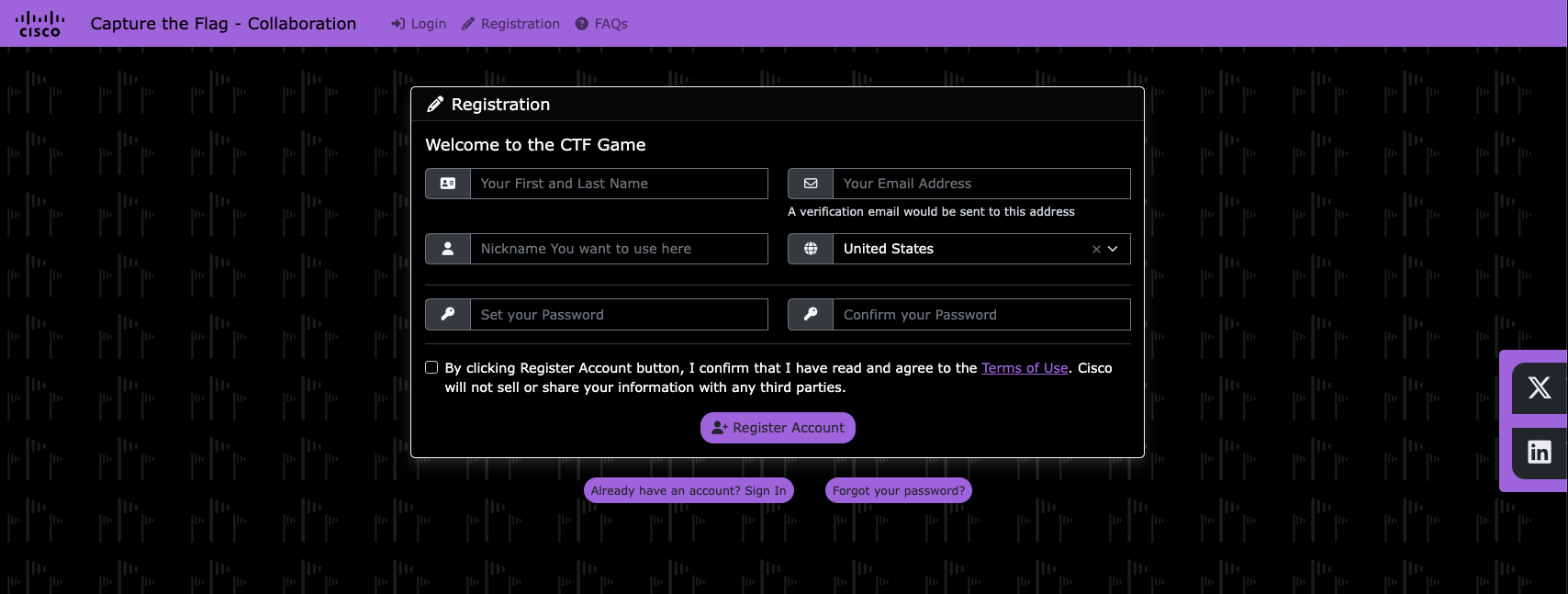
Register with your information, then validate your email.
Once you have Registered and Validated your account. You are ready to use Capture the Flag.
Accessing Content
Once you have logged into Capture the Flag, you should see your Active Events. In the Active Event, there should be the Enabling AppDynamics Event. Click Play to access the Content.
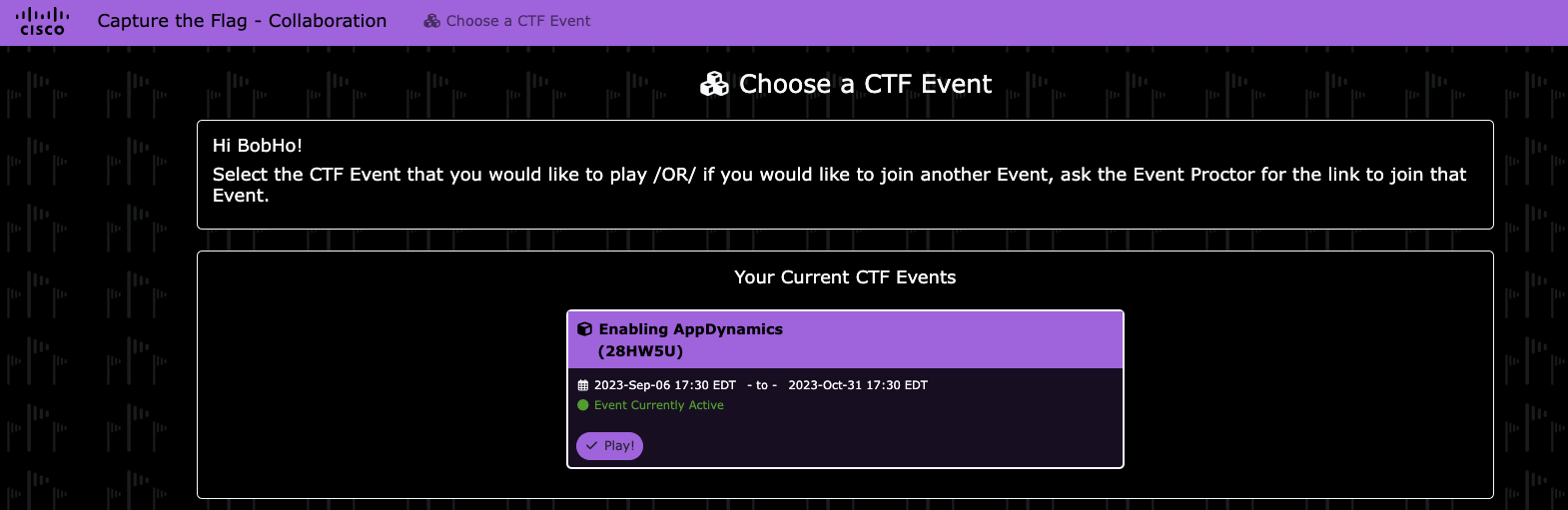
| If you don’t see this, then you have not reached out to your Channel SE to join the Event. Please Contact your Channel SE for the Event link. |
|---|